
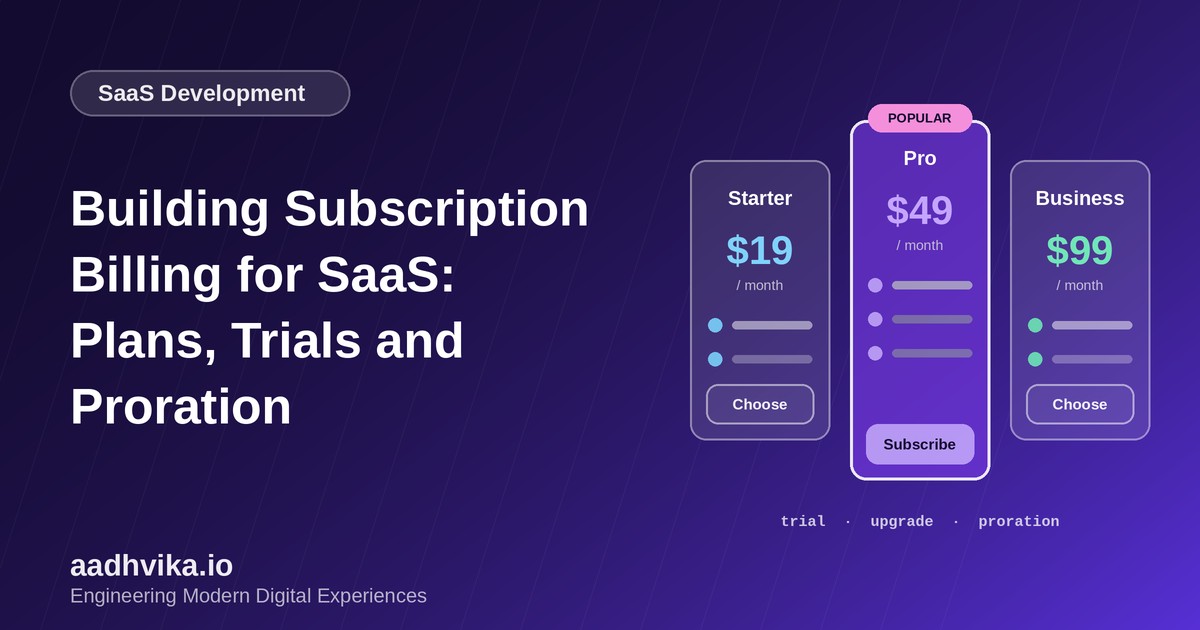
Billing looks simple until you build it. Charging a card every month is the easy part; the hard part is everything around it: free trials, plan upgrades in the middle of a cycle, failed payments, tax, refunds and keeping your app's idea of "who has paid" perfectly in sync with your payment provider. This guide covers the design decisions that save SaaS teams the most pain.
Don't build a billing engine from scratch
For most products, the right move is to use a payment provider that already handles subscriptions, such as Stripe Billing, Razorpay Subscriptions or Paddle, and build a thin layer on top. You get PCI-compliant card handling, invoices, retries and tax features without owning that risk yourself.
Model your plans and entitlements separately
A common mistake is hard-coding plan names in the application, such as if (plan === "pro"). Instead, separate three concepts:
- Plan: what the customer pays for (Starter, Pro, Business), including price and billing interval.
- Entitlements: what the plan allows (seats, projects, API calls, features).
- Usage: what the customer has consumed so far.
Your code then checks entitlements, not plan names, which makes it easy to add new plans, custom enterprise deals and add-ons without touching application logic.
Handling free trials
- Decide whether to require a card up front. Card-required trials convert better; no-card trials attract more sign-ups.
- Store the trial end date on the subscription and send reminders a few days before it ends.
- Define what happens at expiry: downgrade to a free tier, restrict access, or retain data read-only for a grace period.
Upgrades, downgrades and proration
When a customer upgrades mid-cycle, they should pay only for the time remaining on the new plan and be credited for unused time on the old one. This is called proration. Let your payment provider calculate it, and show the customer a clear preview before they confirm. For downgrades, it is often simpler and fairer to apply the change at the end of the current billing period.
Webhooks are the source of truth
Never assume a payment succeeded because your frontend said so. Payment providers send webhook events such as invoice.paid, invoice.payment_failed and customer.subscription.updated, and your backend should update its records from those events.
- Verify the webhook signature on every request.
- Make handlers idempotent, because providers may deliver the same event more than once.
- Process events in a queue so slow work never causes timeouts and retries.
- Log every event so you can replay it when debugging.
Failed payments and dunning
A meaningful share of churn is involuntary: expired cards and temporary bank declines. Set up automatic retries, send friendly emails that link to a card-update page, and give customers a short grace period before restricting access.
Conclusion
Keep billing boring: use a proven provider, model entitlements separately from plans, trust webhooks and design for failed payments from day one. Your future self, and your finance team, will thank you.